
Clinic administration
Overview, configuration, staff access and operational visibility.
Less time lost between departments.
Doctor's Plus connects appointments, reception, live queues, consultations, diagnostics, pharmacy, billing, patient access and role-aware AI in one configurable workflow for clinics and hospitals.
Interactive demo with fictional patient data. Final modules, integrations and access rules are configured for each organisation.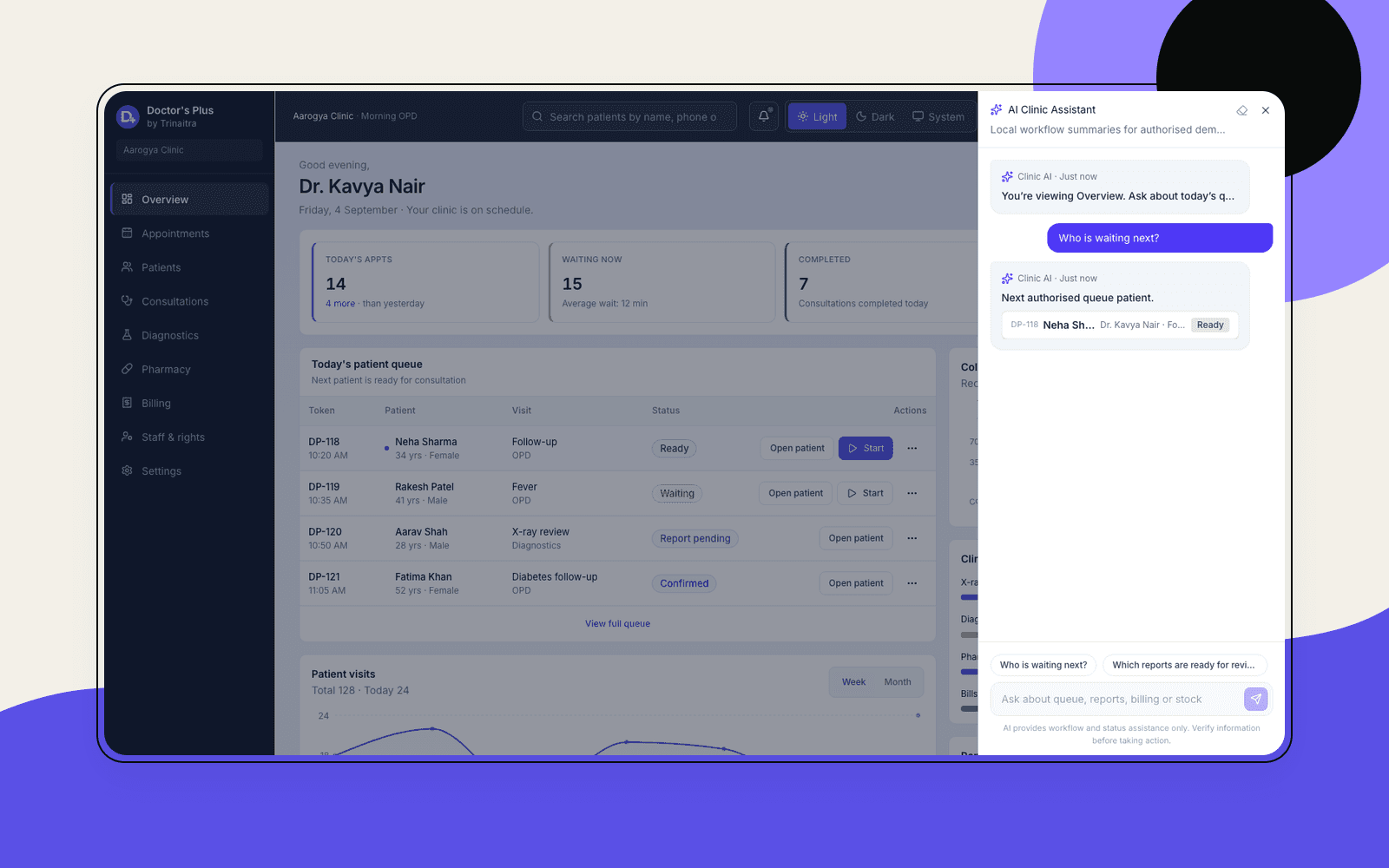
A patient explains the problem at reception, waits for a token, repeats context during consultation, carries a prescription or test request to another desk and returns with reports or payment details. The process works—but disconnected records create repetition for patients and paperwork for staff.
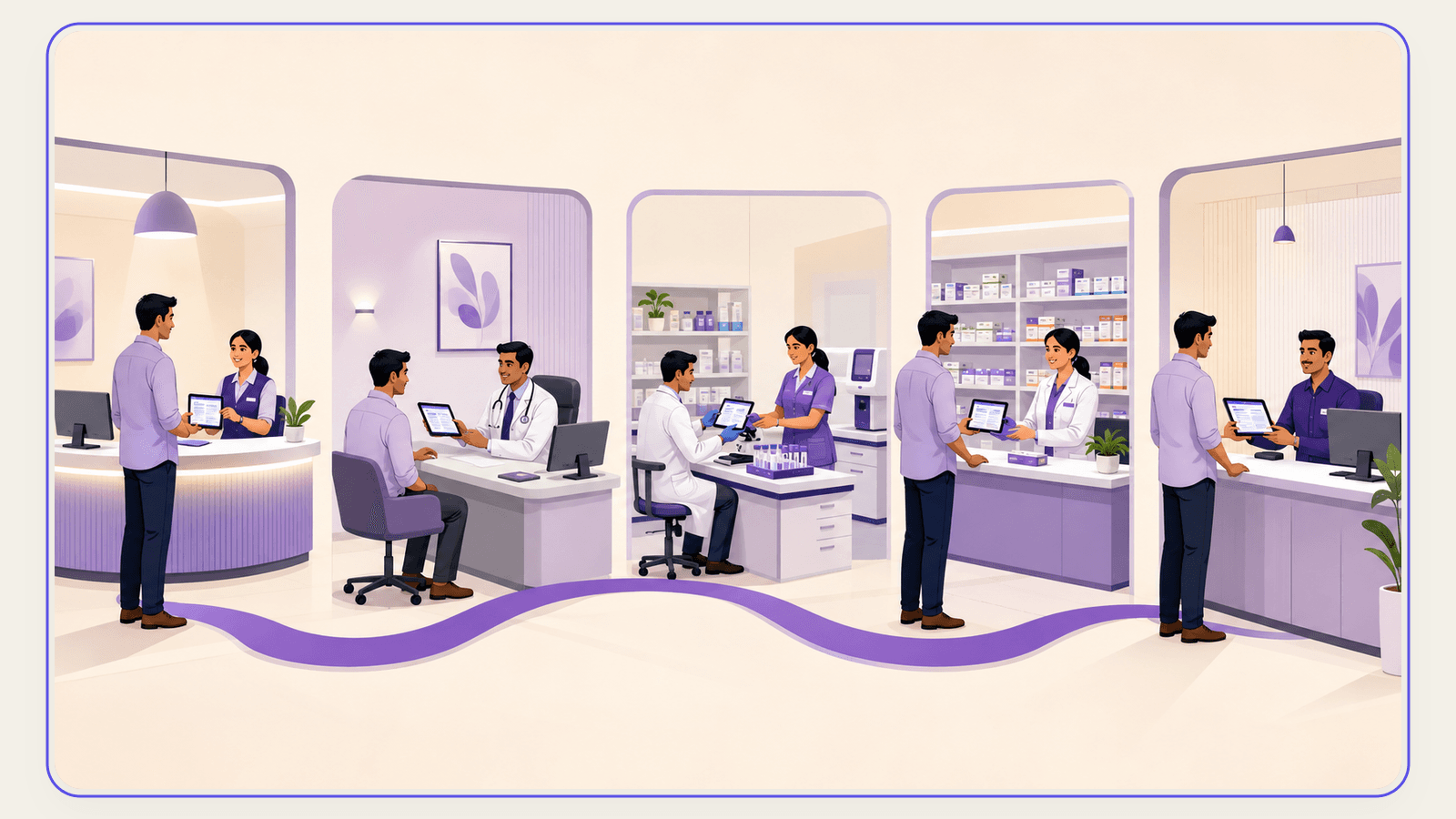
Doctor's Plus keeps the originating patient and visit connected as work moves between authorised teams.
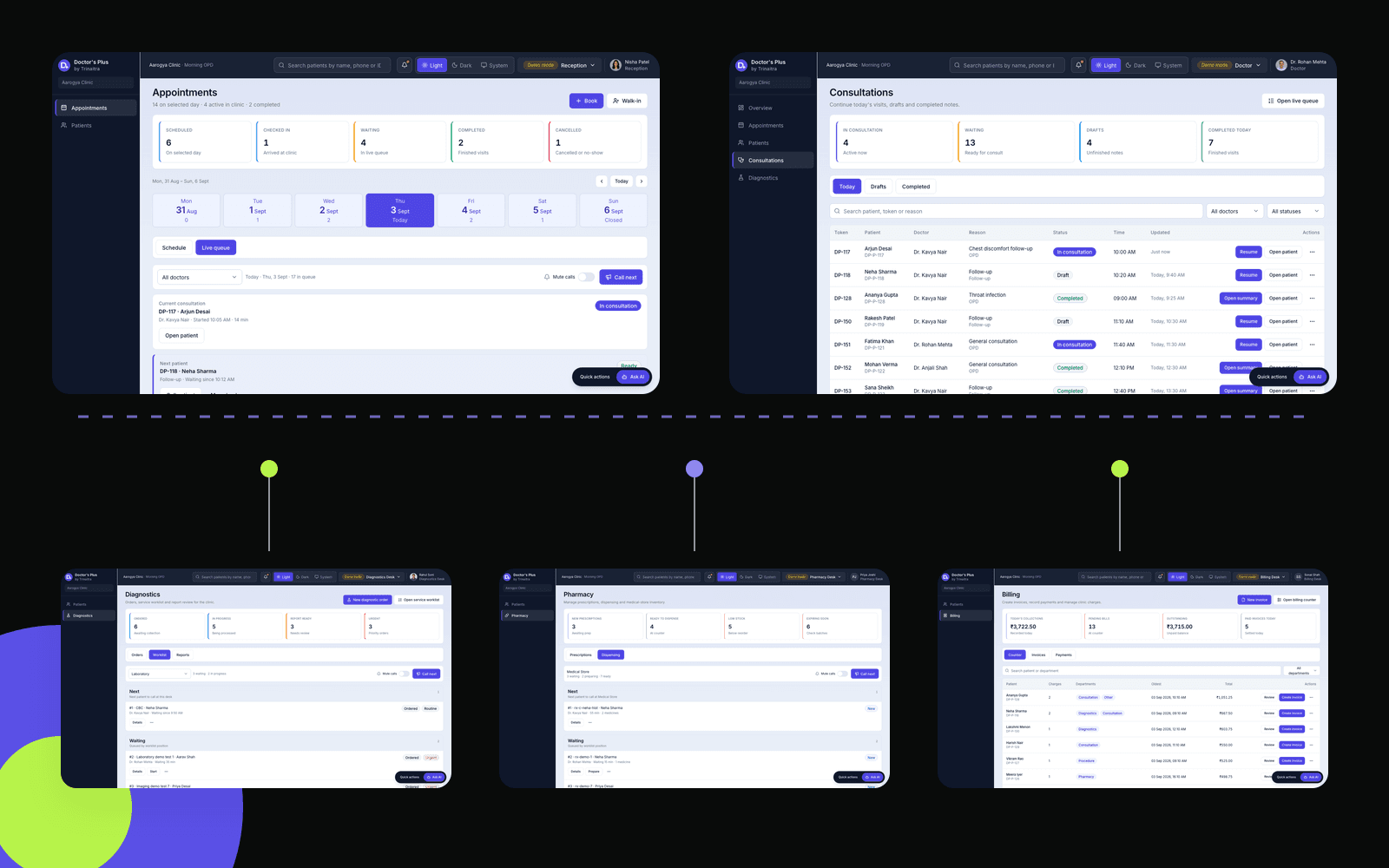
Patients request appointments; reception manages booked visits and walk-ins.
Tokens, doctor assignment and waiting status stay visible to the relevant team.
The doctor can review available history, allergies, reports and the visit reason.
A prescription or diagnostic order is recorded against the consultation.
Diagnostics or pharmacy receives the relevant task and updates its status.
Billing, reports, prescriptions and follow-up information remain connected to the patient journey.
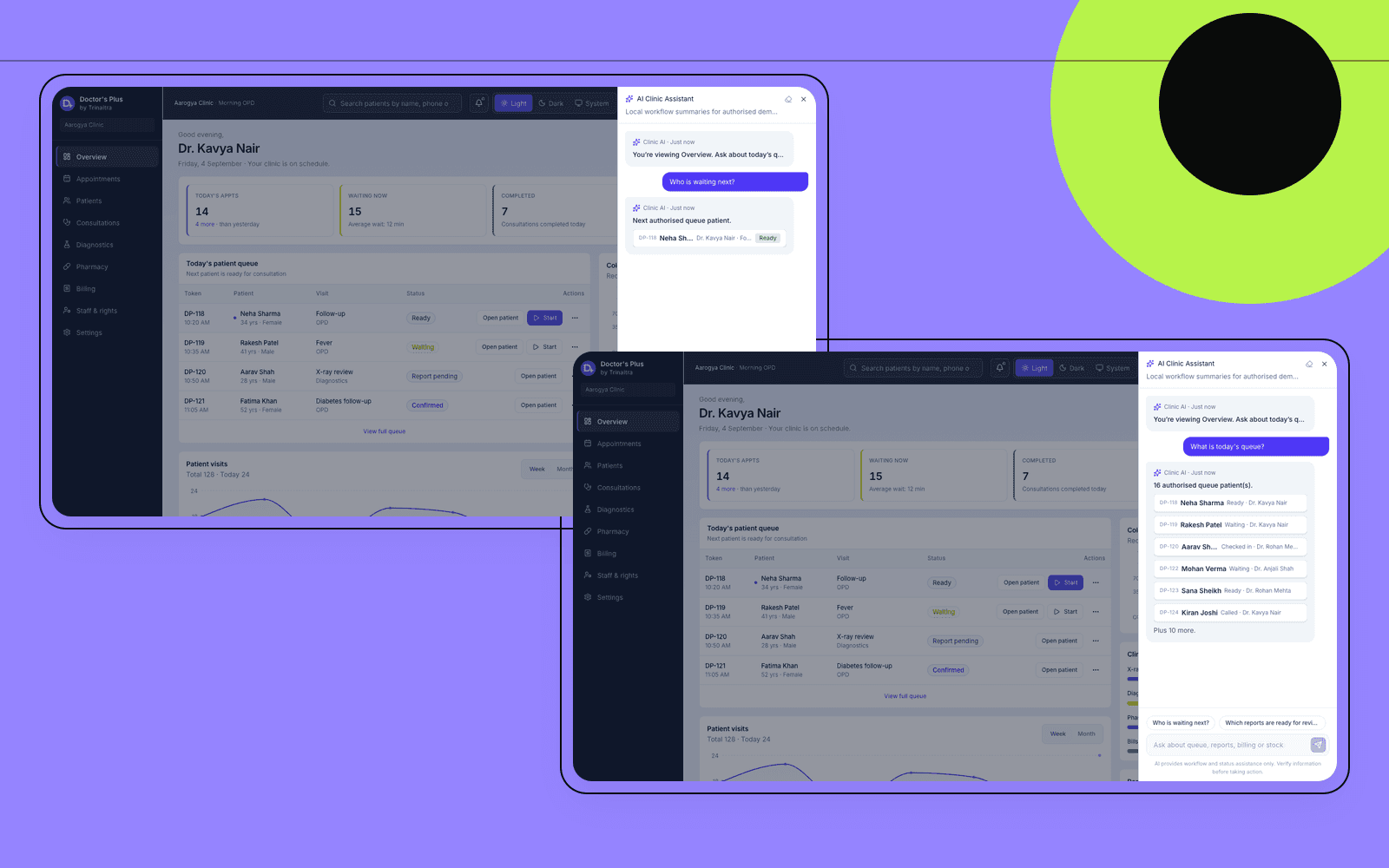
Instead of opening several tabs, authorised users can ask Doctor's Plus about the current queue, reports awaiting review, follow-ups, payments or department workload. The assistant responds using the user's role, current module and available organisational data.
AI supports workflow and status questions. Clinical judgment stays with authorised healthcare professionals.
Overview, configuration, staff access and operational visibility.
Appointments, walk-ins, check-in and live queue.
Consultations, patient context, notes, prescriptions and diagnostic orders.
Orders, worklists, results and report status.
Prescriptions, dispensing status and stock visibility.
Charges, invoices, payments and receipts.
Appointments, queue status, records, prescriptions, reports and billing access.
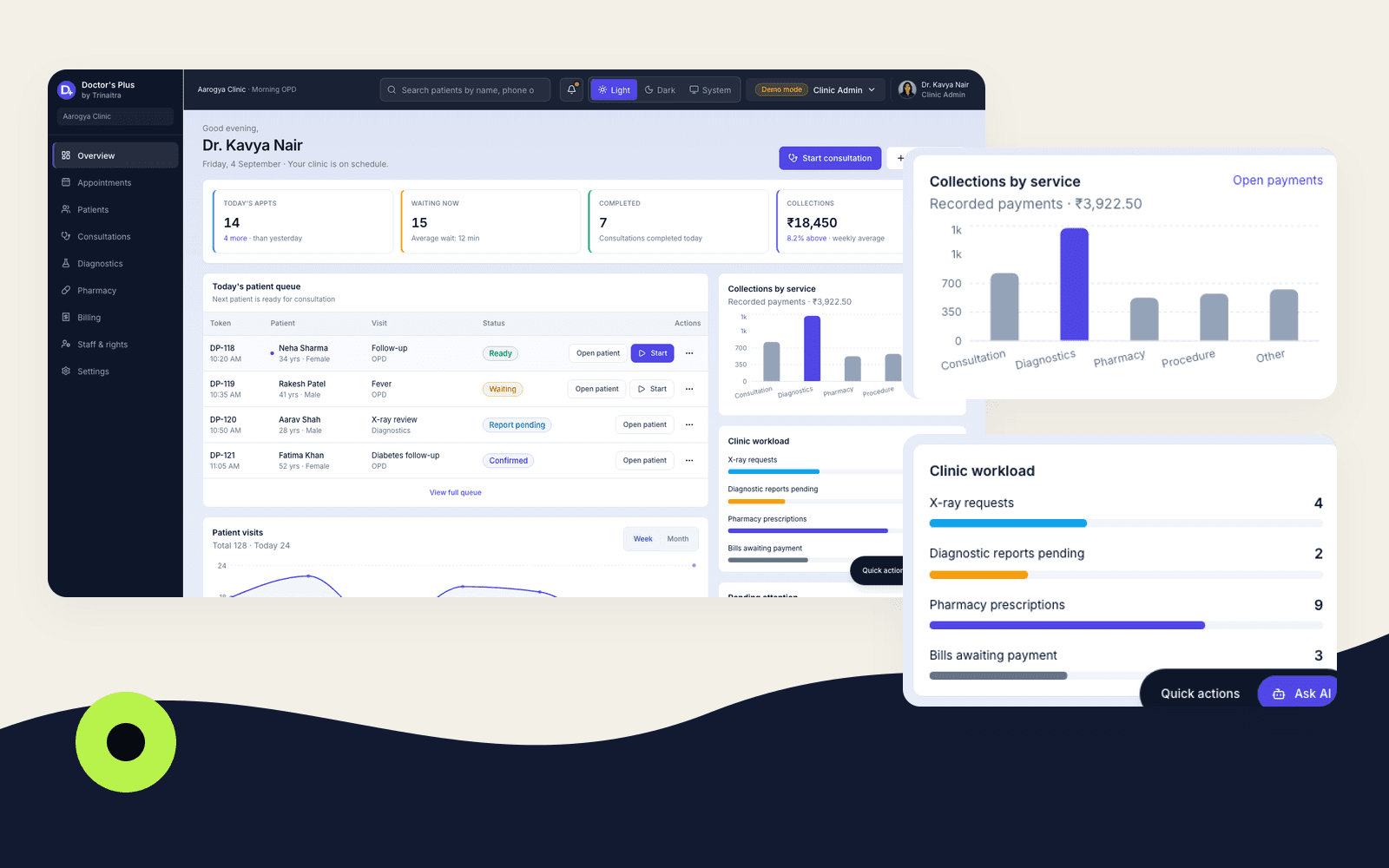
Structured appointments and department updates can give authorised managers a clearer view of patient volume, queue status, service workload, collections and pending attention.
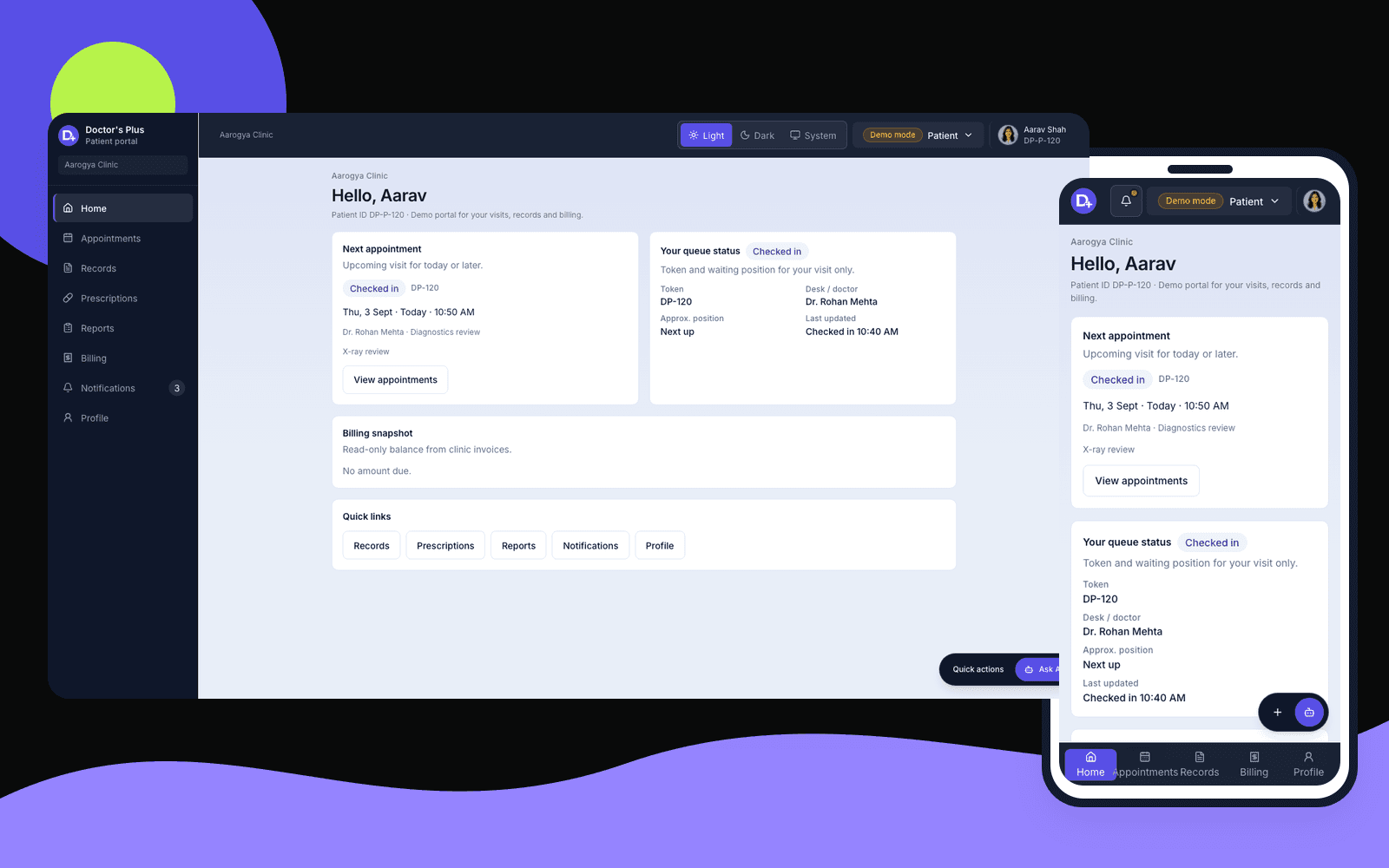
A configured patient portal can provide appointment details, token and queue status, records, prescriptions, reports, notifications and billing information across desktop and mobile.
Coordinate booked visits, walk-ins, tokens and waiting status.
Keep patient identity, visit history and available documents organised.
Record consultation context, notes, prescriptions and next requests.
Move diagnostic orders through worklists, results and report status.
Track prescriptions, dispensing status and medicine stock visibility.
Create charges, record payments and keep receipts connected.
Give each team the access needed for its responsibilities.
Share patient-facing appointments, records, prescriptions, reports and billing.
Surface volume, queue, workload and collection indicators.
Answer authorised workflow and status questions from configured data.
Walk through the fictional clinic as admin, doctor, reception, diagnostics, pharmacy, billing or patient.
Confirm departments, roles, forms, approvals, reports and operational requirements.
Set up the agreed modules, access rules and approved integrations.
Validate the workflow with the client team before handover and ongoing support.
Explore the interactive fictional-data demo, then speak with Trinaitra about the roles, modules and integrations your organisation actually needs.
Demo data is fictional. Production scope, integrations, delivery, hosting, security and support are confirmed through discovery and a written proposal.